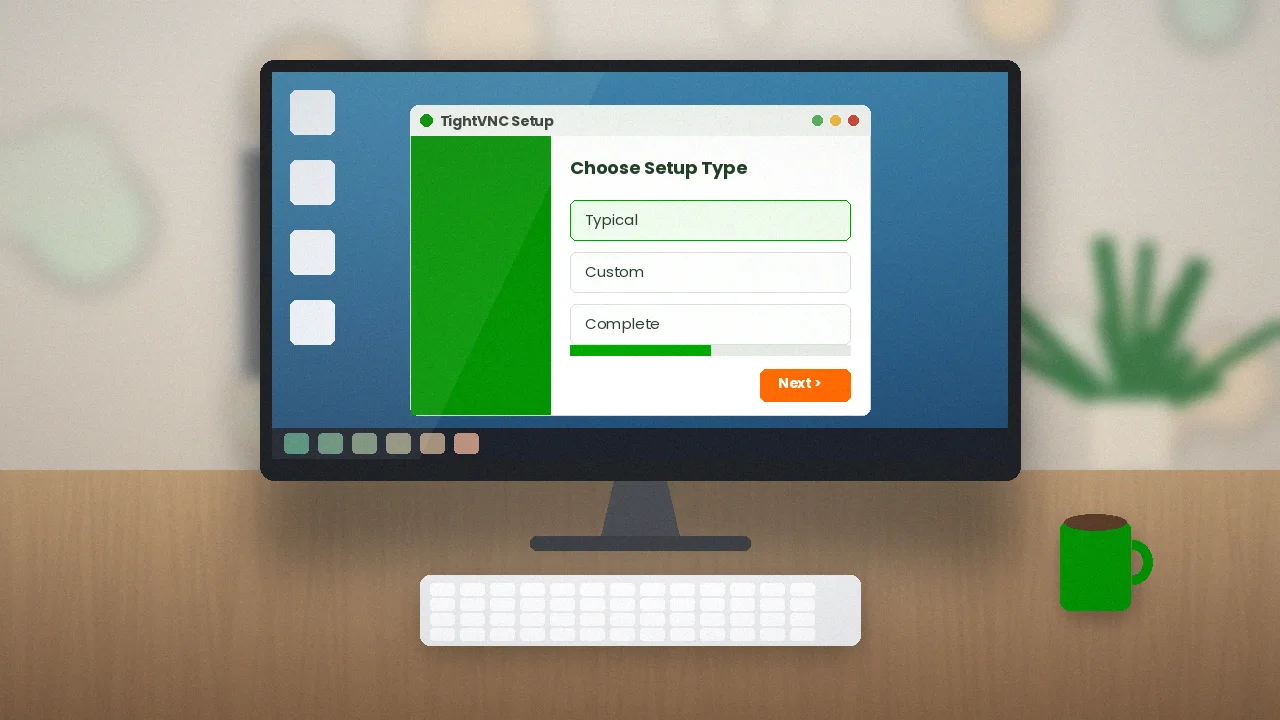
How to Install Tightvnc on Windows: A Complete Walkthrough
A careful walkthrough of the Windows installer, from choosing a setup type and setting passwords to confirming that the server is listening.
Read the full guide → Tightvnc
Download
Free remote desktop for Windows
Practical, in-depth articles on installing, configuring, securing and troubleshooting TightVNC. Each guide focuses on one task and links to related topics, so you can move from a first installation to confident everyday use.
A careful walkthrough of the Windows installer, from choosing a setup type and setting passwords to confirming that the server is listening.
Read the full guide →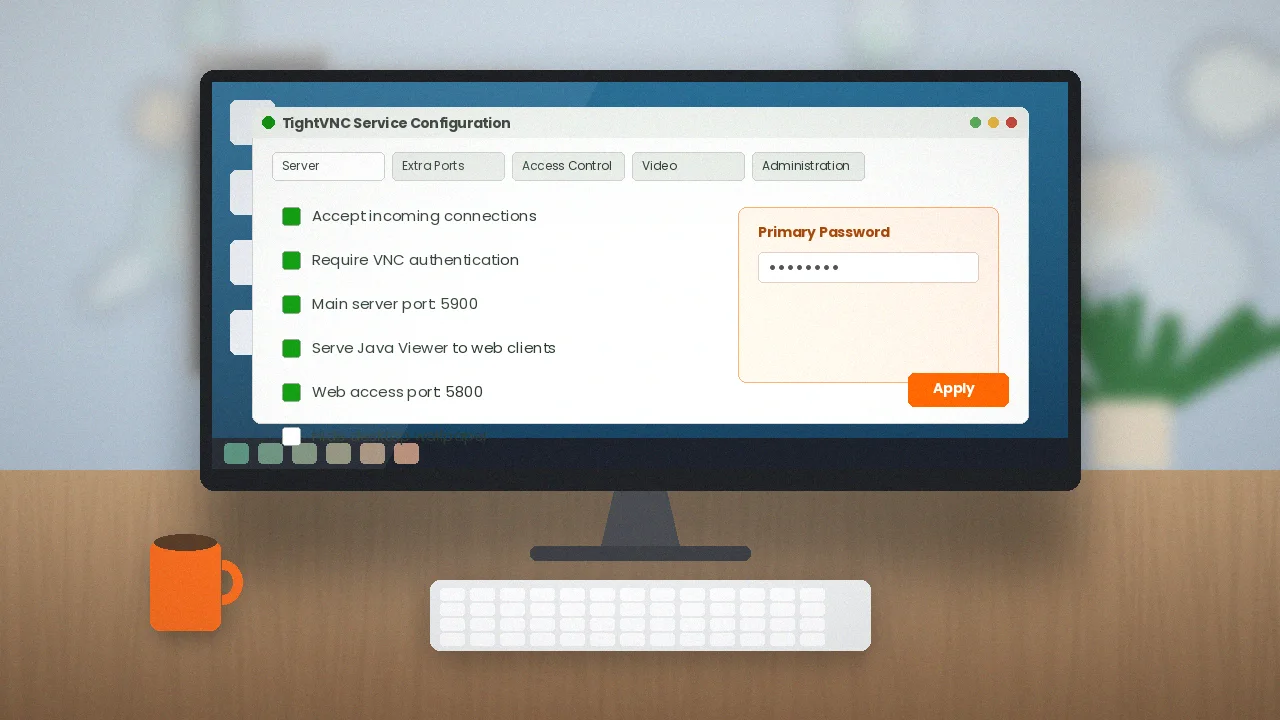
Every tab of the server configuration window explained, with recommended values for home offices, help desks and classrooms.
Read the full guide →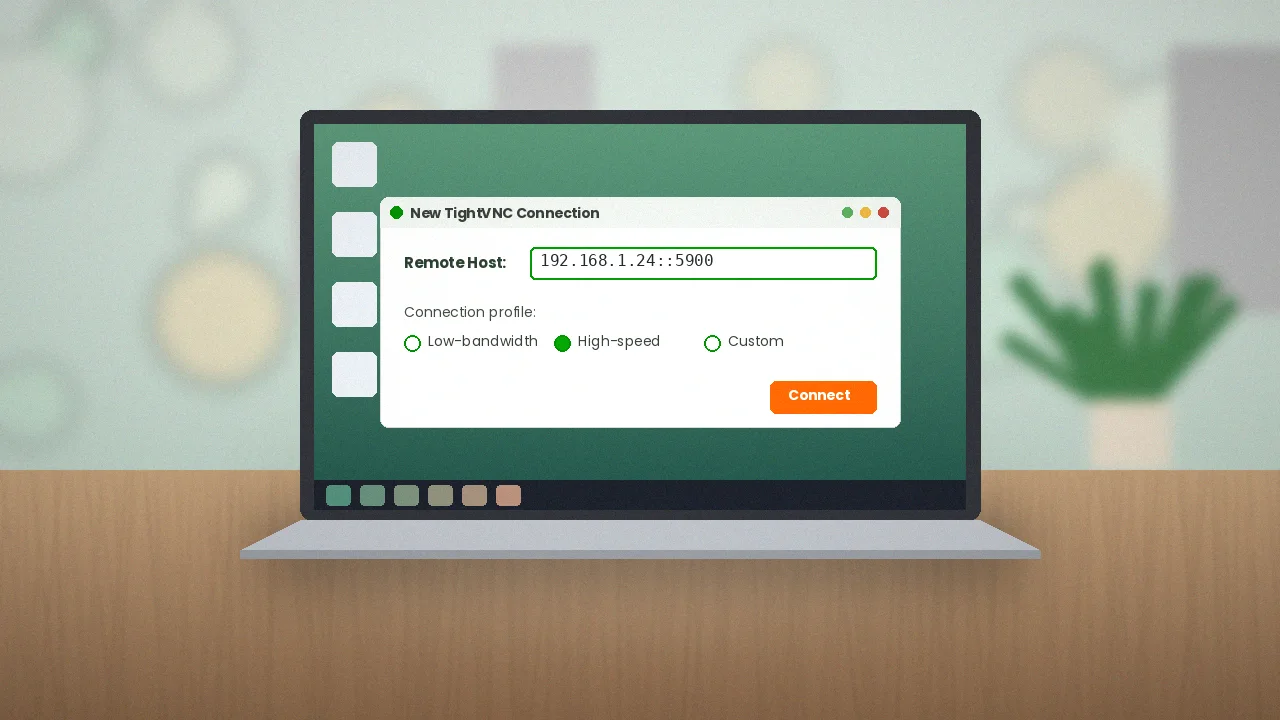
How to address a remote machine correctly, choose sensible connection options and work comfortably once the remote desktop appears.
Read the full guide →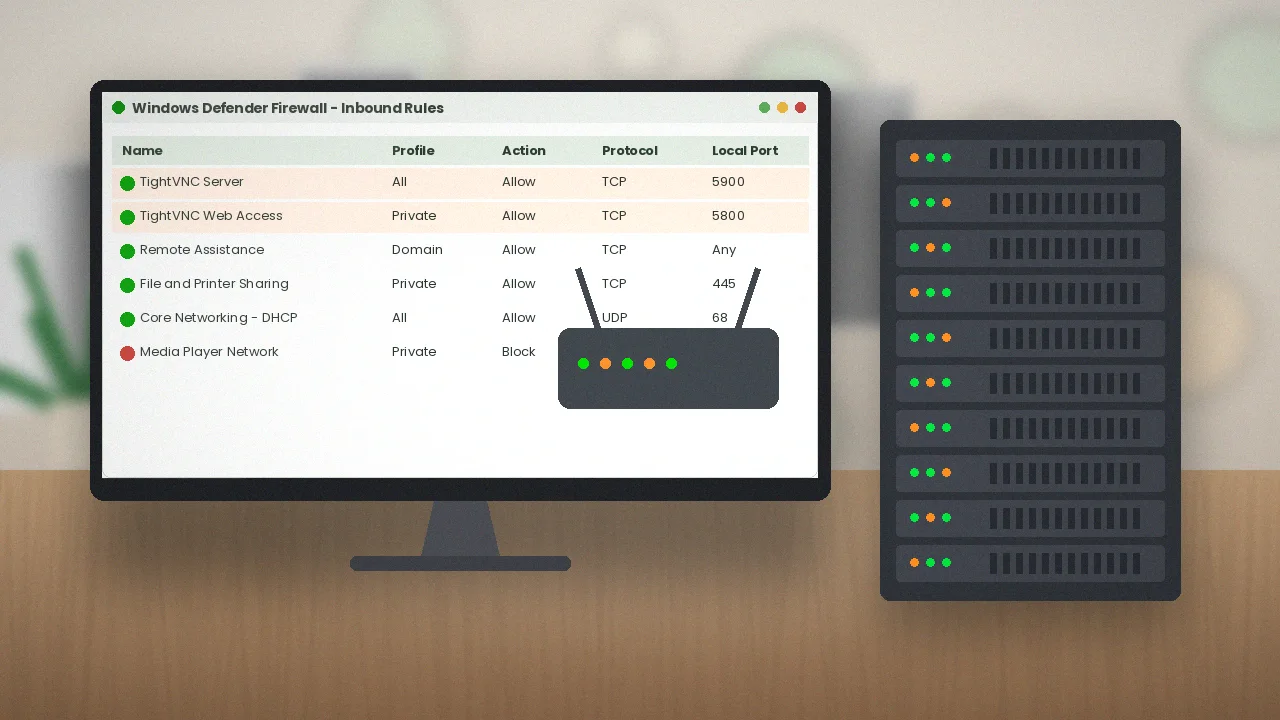
Understand which ports the software uses, how to open them safely in Windows Firewall and when router forwarding is the right decision.
Read the full guide →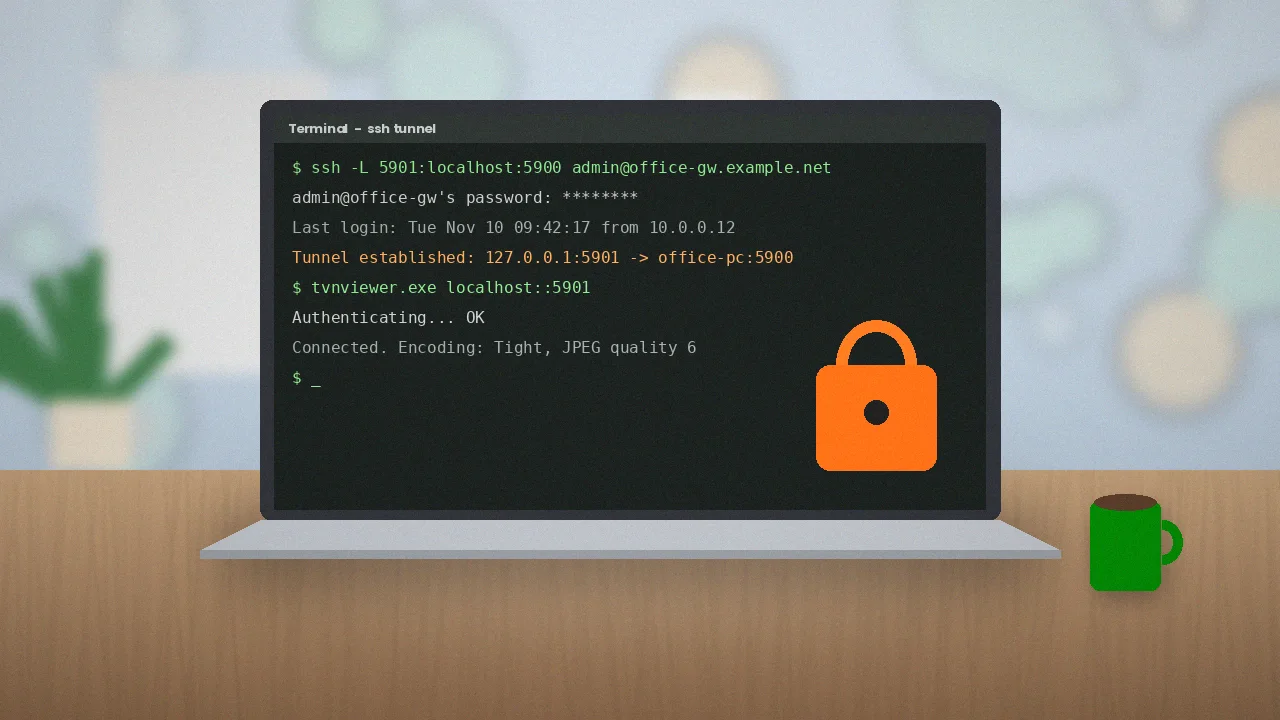
Classic VNC traffic is not encrypted by default. Here is how to wrap every session in an SSH tunnel or a VPN and harden the server itself.
Read the full guide →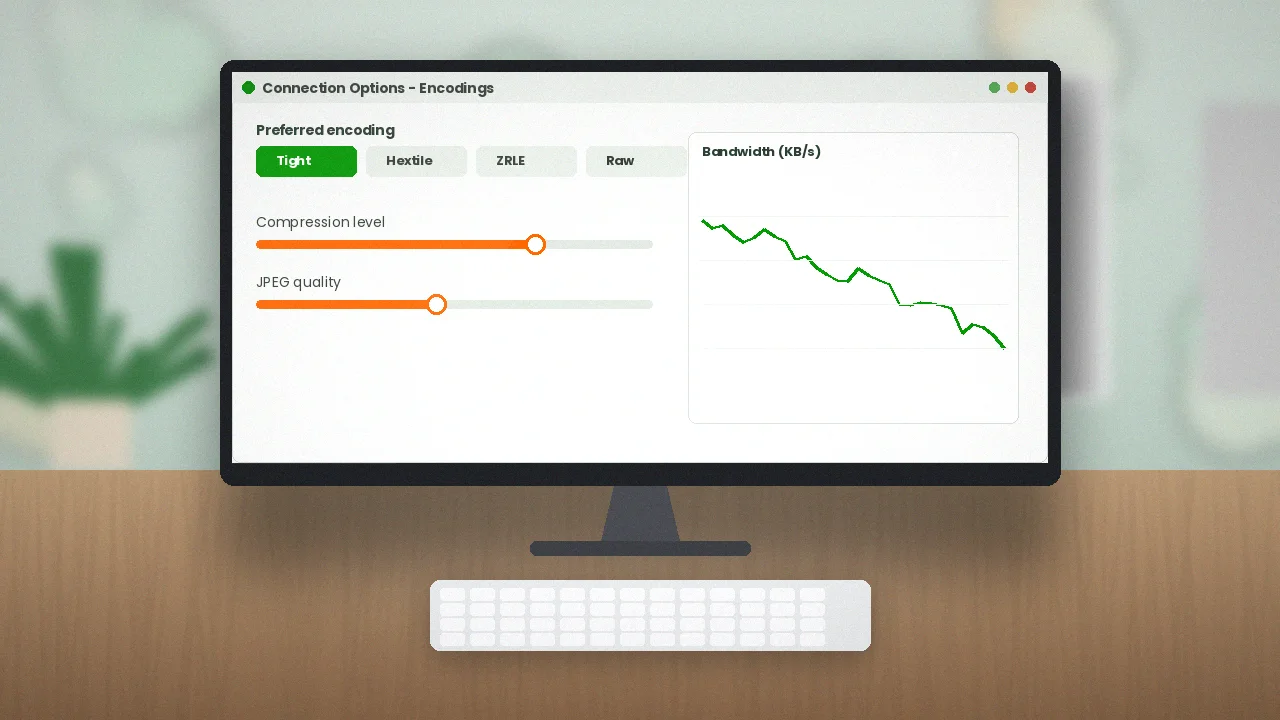
Make remote sessions feel responsive on any link by understanding Tight encoding, compression levels, JPEG quality and colour depth.
Read the full guide →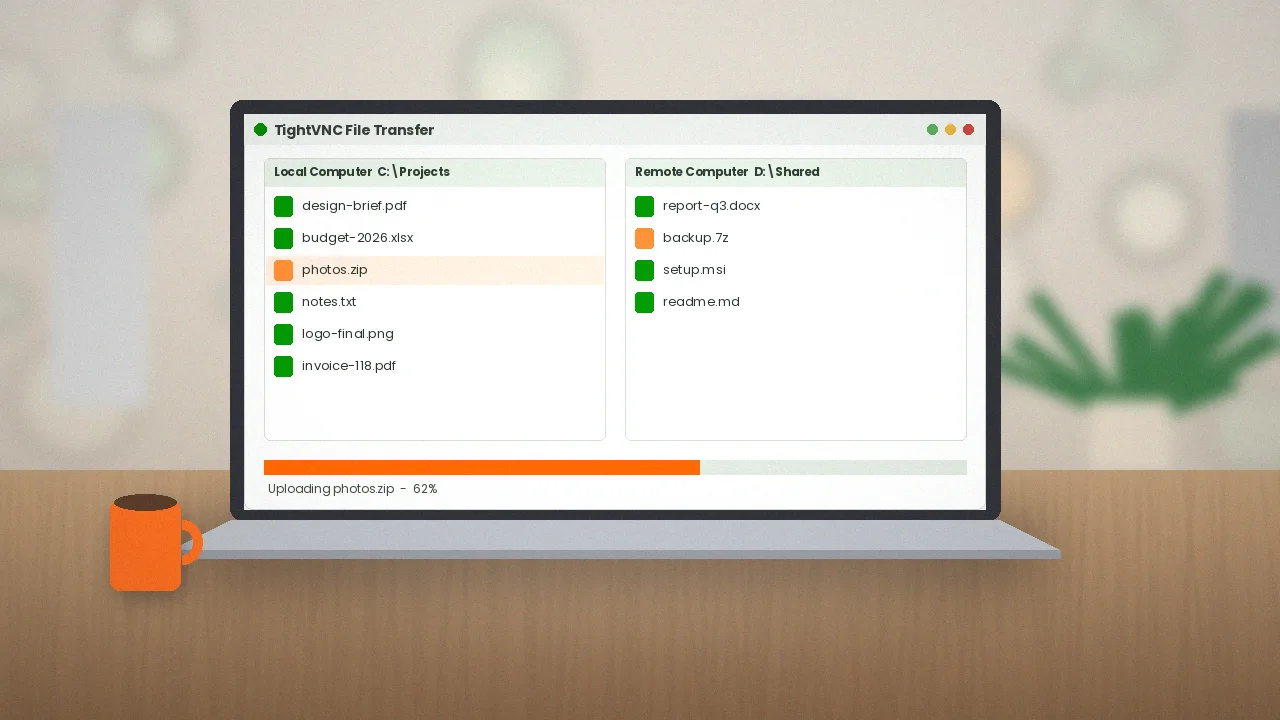
Move documents and folders between local and remote machines during a session, and understand the permissions that govern transfers.
Read the full guide →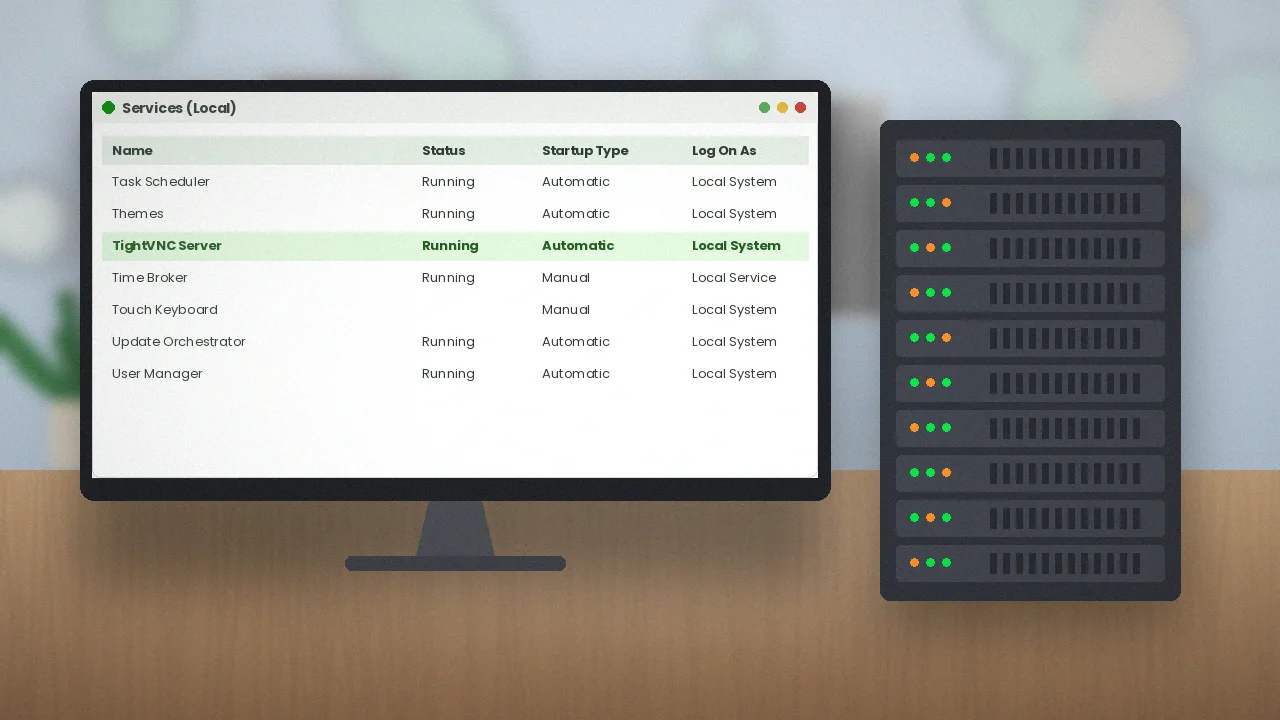
Service mode keeps the server available before anyone signs in. Learn how it differs from application mode and how to manage it safely.
Read the full guide →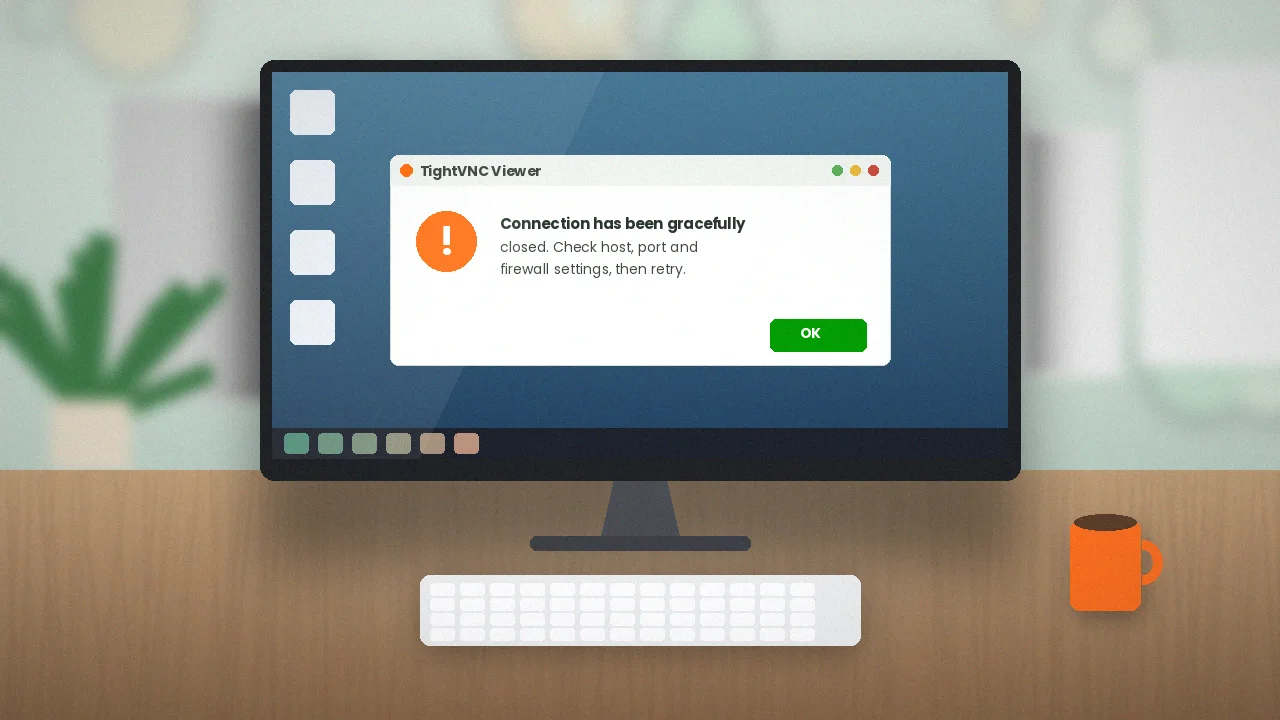
A methodical approach to refused connections, authentication failures, black screens, lag and keyboard problems, with clear fixes for each.
Read the full guide →